PojavLauncher
Tools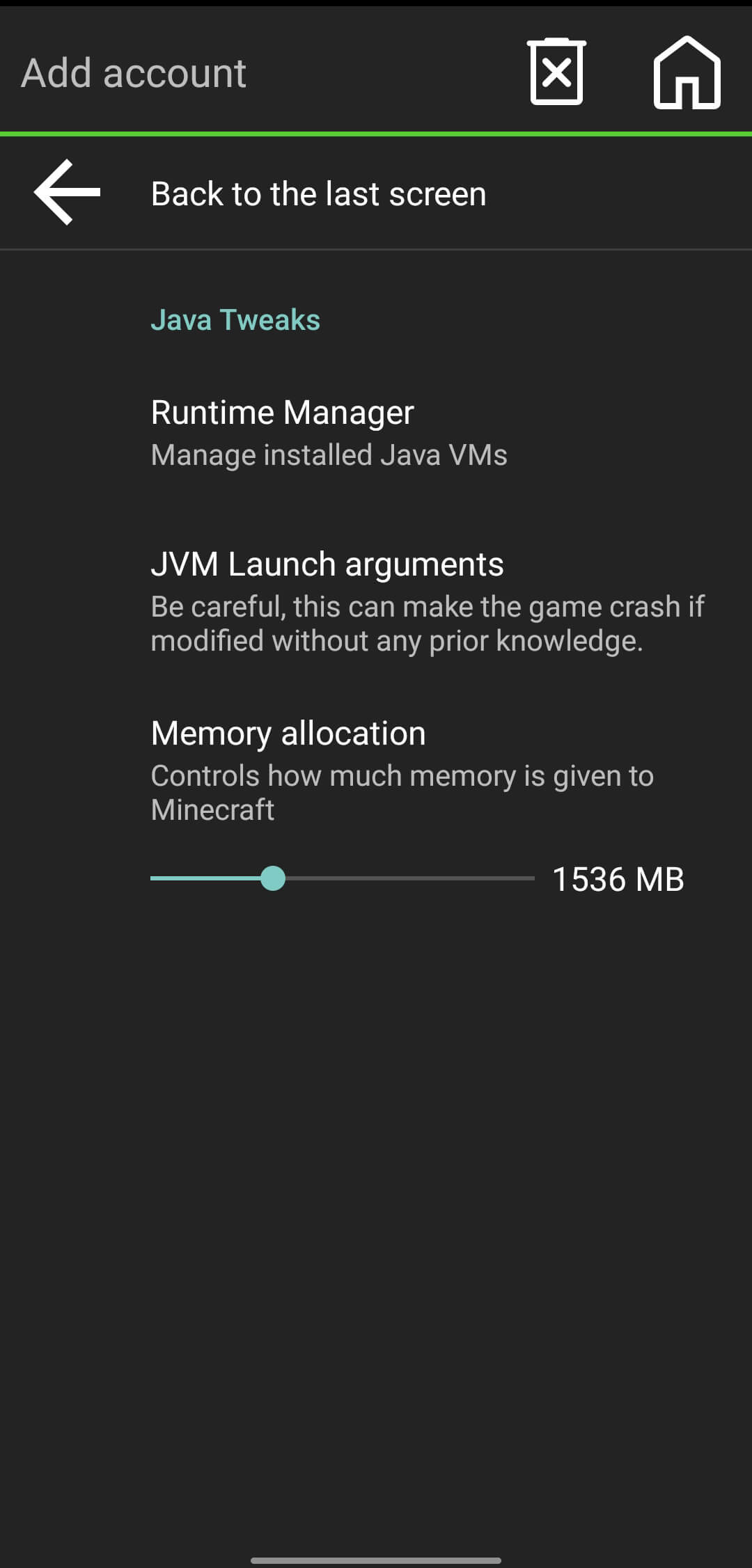
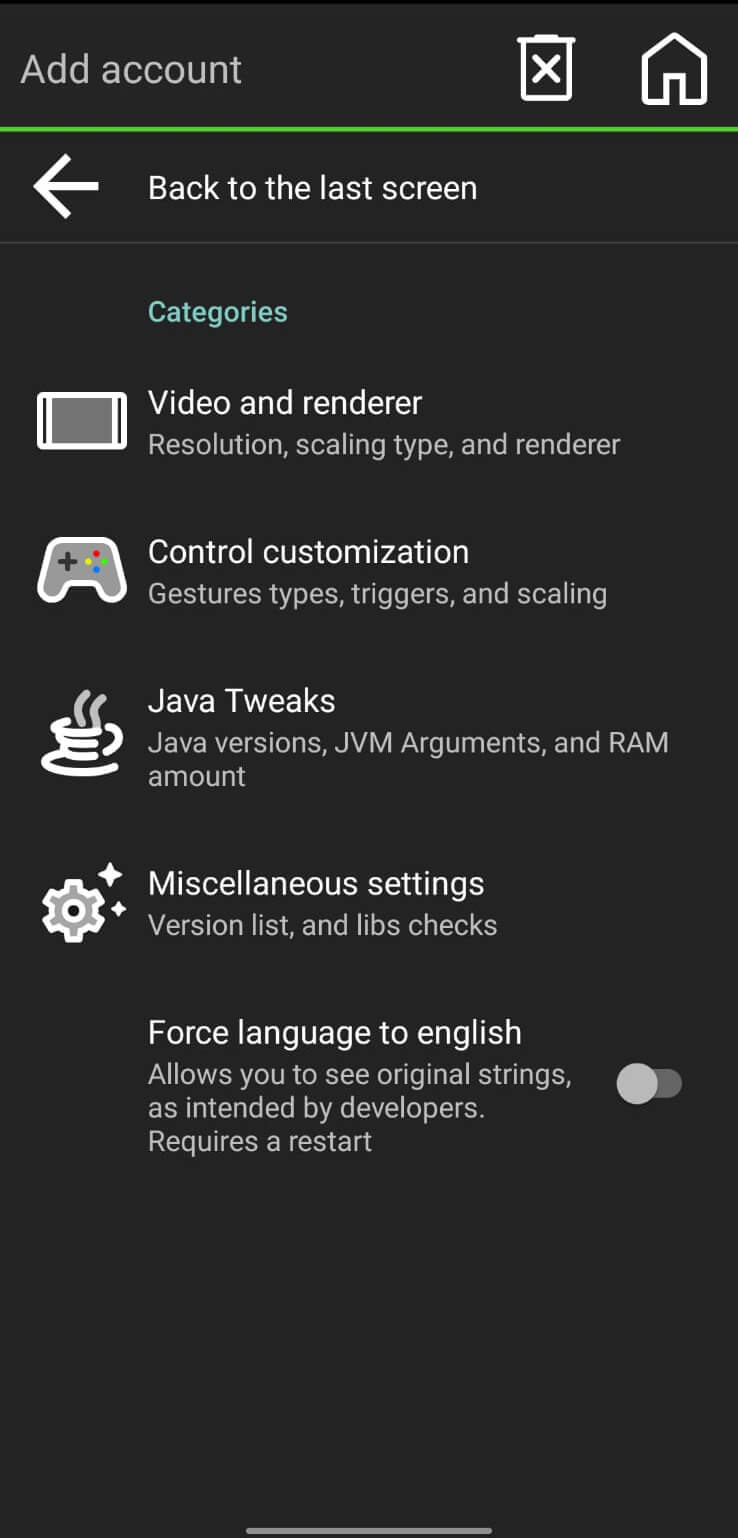
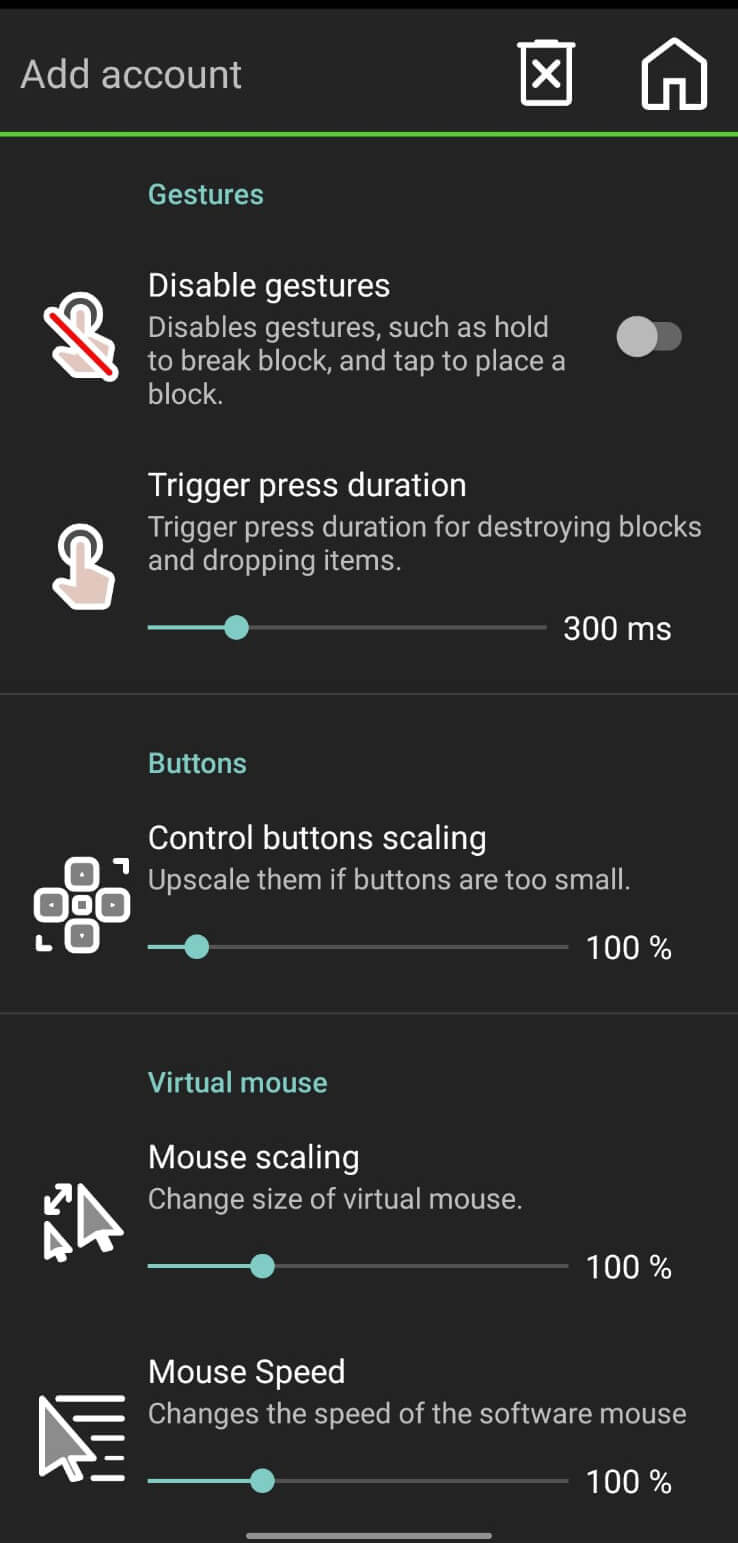
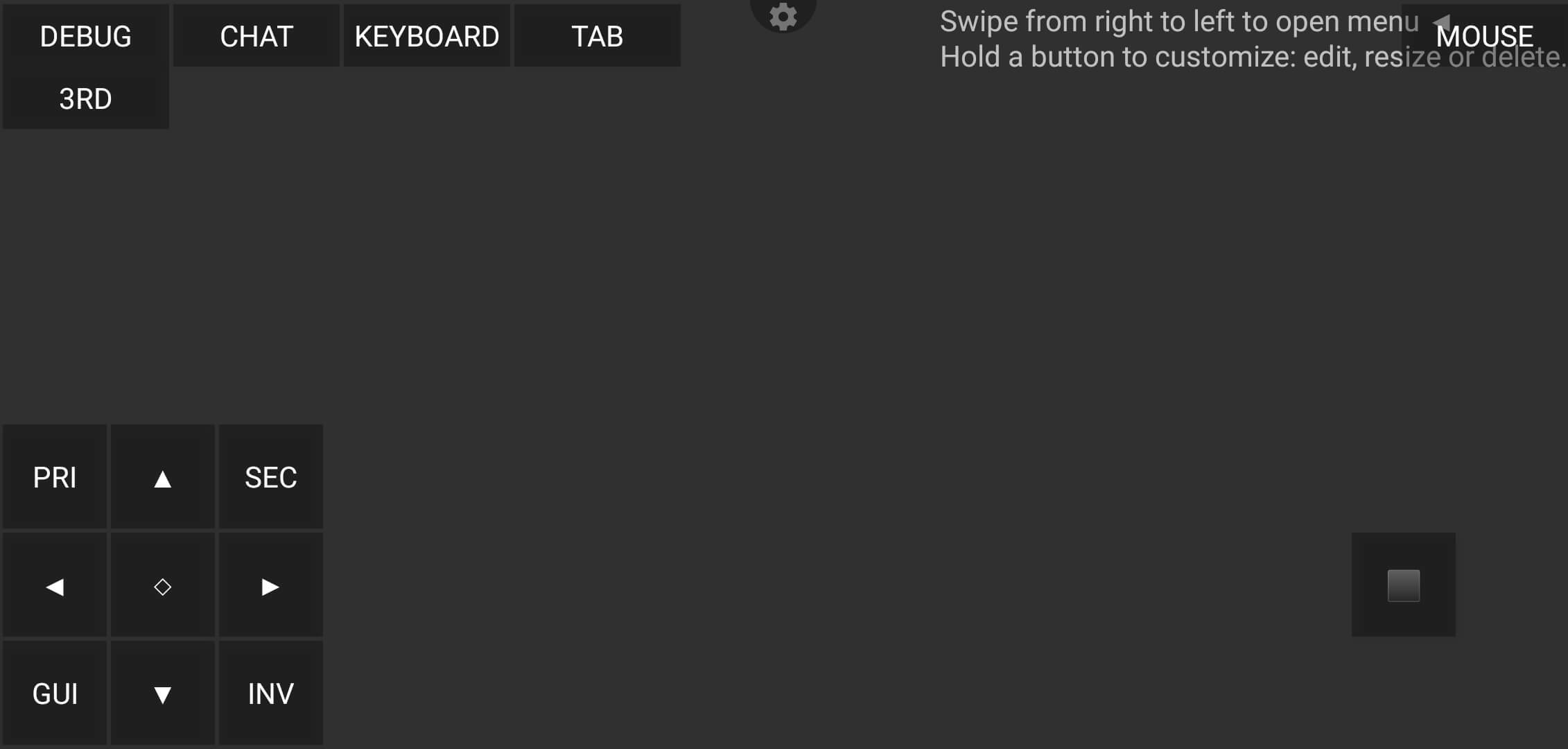

PojavLauncher is an Android application that lets you launch and play Minecraft directly on your mobile device. It supports a wide range of Minecraft versions, giving you the flexibility to choose the edition you prefer without needing the official mobile client.
This page provides the latest version details, installation steps, compatibility notes, and practical troubleshooting tips. All information is based on verified data as of 16 October 2026.
Quick Information
| App/Game Name | PojavLauncher |
| Latest Version | gladiolus-20250118-c04e3af-v3_openjdk |
| Developer | Not listed |
| Category | Apps / Tools |
| App Size | 142.03 MB |
| Package Name | net.kdt.pojavlaunch |
| Last Updated | 1 October 2026 |
What Is PojavLauncher?
PojavLauncher is a community‑driven launcher that runs the Java edition of Minecraft on Android. It works by bundling a lightweight Java runtime and providing an interface to select and start different Minecraft versions. The app is aimed at players who want the full Java experience on a phone or tablet, especially those who do not want to purchase the official mobile version.
Key capabilities include:
- Support for most historic and current Java Minecraft releases.
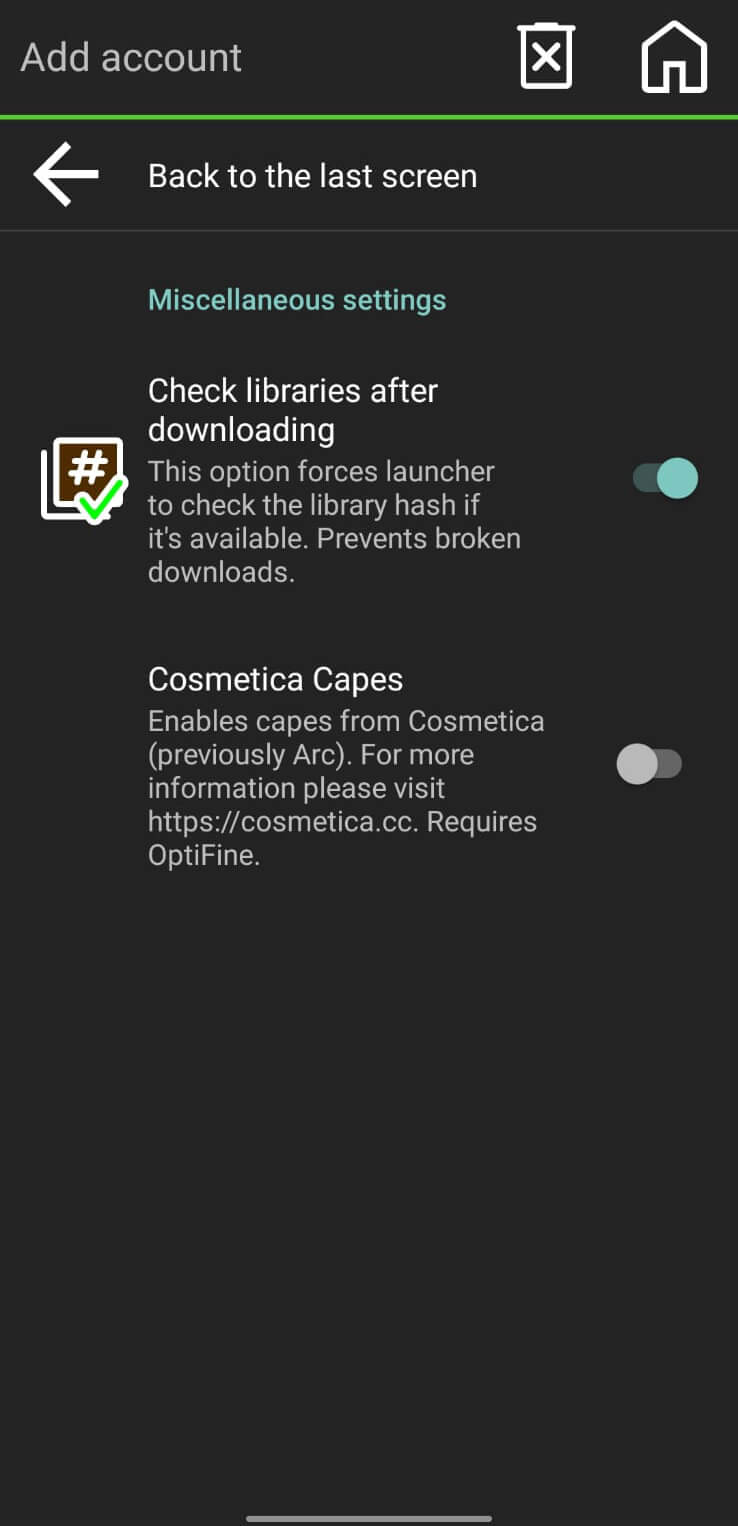
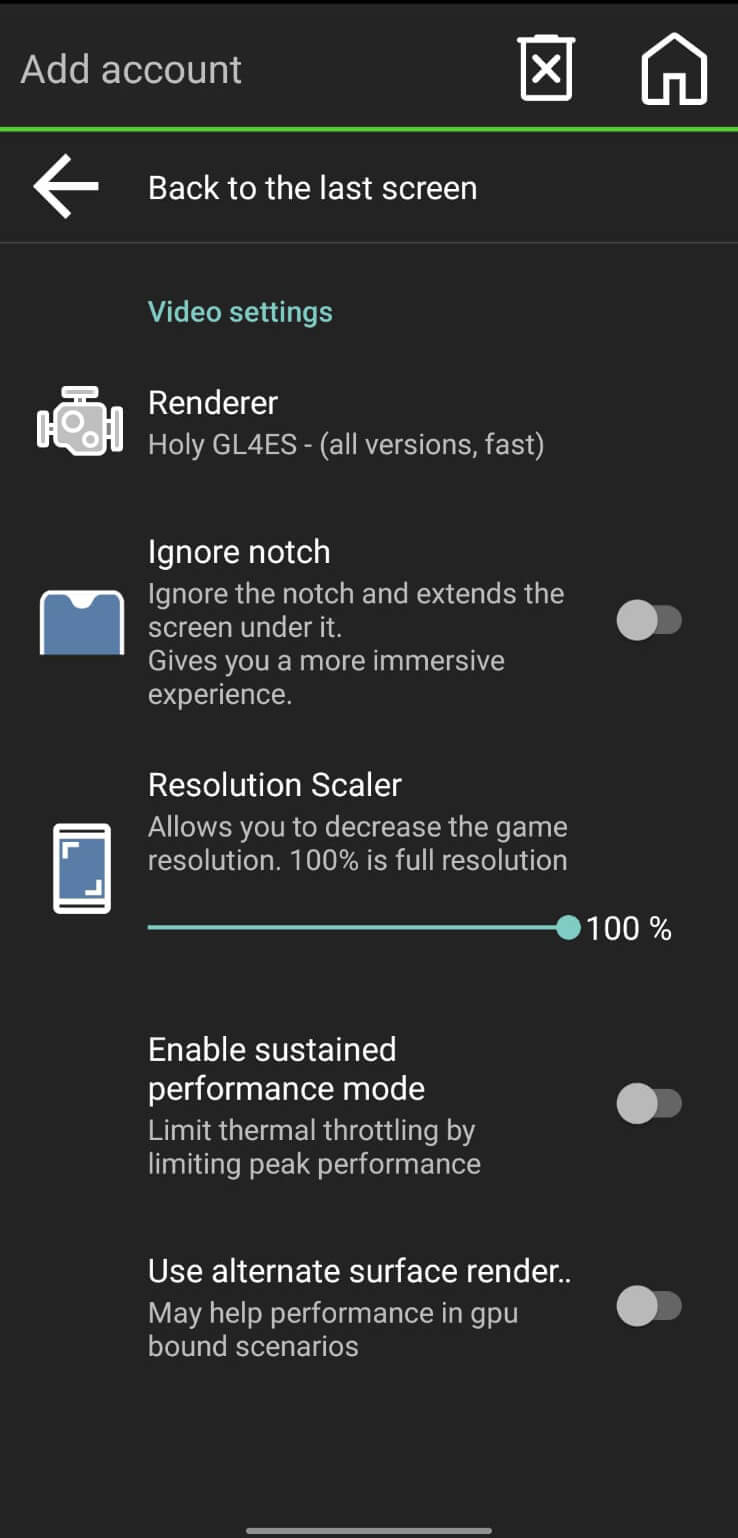
- Ability to configure graphics, controls, and performance settings to suit a range of devices.
- Open‑source nature, allowing community contributions and updates.
Limitations are typical for Java‑based games on mobile hardware: performance may vary based on device specs, and some advanced features (like shaders) may be unavailable or require manual tweaking.
Compatibility
| Android Version | ✓ Verified — Android 5.0 and later |
| Architecture (ARM64 / 32-bit) | ✓ Verified — Supports common device architectures |
| Internet Connection | ✓ Verified — May be required for ads, updates, or login |
| Storage Needed | Not Verified |
| OBB/Data Files | Not Verified |
| Root Required | Not Verified |
How to Install
- Enable installation from unknown sources: Settings → Security → Allow installation of apps from unknown sources (or use the specific permission for the file manager you’ll use).
- Download the PojavLauncher APK file from a trusted source.
- Locate the downloaded file using a file manager and tap it to start the installation.
- Follow the on‑screen prompts to complete the install.
- Open the app, grant any runtime permissions it requests (e.g., storage), and sign in with your Minecraft account if you wish to play online.
Troubleshooting
- App not installed – Ensure the APK is fully downloaded and not corrupted. Verify that your device allows installations from unknown sources.
- Crashes on startup – Check that your Android version meets the minimum requirement (Android 7.0 Nougat or higher). Clearing the app cache or reinstalling can also help.
- Login or online authentication fails – Make sure you are using a valid Java edition Minecraft account. Some networks block the authentication servers; try a different Wi‑Fi or mobile data connection.
- Performance issues – Lower the graphics settings inside the launcher, close background apps, and ensure your device has enough free RAM.
Safety & Security
PojavLauncher is a modified distribution of the official Java launcher, packaged as an APK for Android. While the app itself does not contain malware, users should always download it from reputable sources and verify the file’s integrity when possible. Review the permissions the app requests during installation; it typically needs storage access to read game files and network access for authentication.
Because the launcher modifies how Minecraft runs, future official updates may temporarily break compatibility. Keep an eye on version updates and consider reinstalling the latest build if you encounter issues.
How PojavLauncher Compares
| Feature | PojavLauncher | Minecraft Pocket Edition (Official) | BlockLauncher |
|---|---|---|---|
| Cost | Free | Paid (one‑time purchase) | Free |
| Platform | Android (Java edition) | Android (Bedrock edition) | Android (Bedrock mod loader) |
| Version Support | Most Java releases, from classic to latest | Only current Bedrock version | Selected Bedrock versions with mod packs |
| Standout Feature | Runs full Java Minecraft on mobile | Optimized for mobile hardware, official support | Easy mod installation for Bedrock |
| Best For | Players who want the Java experience on Android | Casual mobile gamers preferring Bedrock | Users who enjoy Bedrock mods and add‑ons |
Alternatives
- Minecraft Pocket Edition (official) – The sanctioned mobile version of Minecraft (Bedrock). Offers smooth performance, regular updates, and built‑in multiplayer.
- BlockLauncher – A popular mod loader for the Bedrock edition, allowing custom texture packs and add‑ons without rooting the device.
- MCPE Launcher – An unofficial launcher that provides quick access to multiple Bedrock versions and community‑made mods.
- PocketMine‑MP – Turns your Android device into a lightweight Minecraft server, useful for private multiplayer sessions.
Final Verdict
PojavLauncher offers a unique way to experience the Java edition of Minecraft on Android without purchasing the official mobile client. It’s best suited for users comfortable with sideloading apps and who want the full Java feature set. Performance will depend on device hardware, and occasional compatibility hiccups may arise after official Minecraft updates. Verify the source of the APK, review permissions, and keep the launcher updated for the smoothest experience.
Frequently Asked Questions
Yes, as long as you download the APK from a reputable source and check the permissions it requests, the app itself does not contain known malware.
You need a valid Java edition Minecraft account for online play, but the launcher itself does not require a separate purchase.
PojavLauncher works on Android 7.0 (Nougat) and newer; older versions may encounter compatibility issues.
Enable installations from unknown sources, download the APK, tap the file to install, and follow the on‑screen prompts.
This usually means the APK is corrupted, incomplete, or your device blocks installations from unknown sources.
The launcher supports most historic and current Java editions, but very old or experimental builds may need extra configuration.
No, PojavLauncher runs on standard Android devices without requiring root privileges.
Official updates can temporarily affect compatibility; the community typically releases a new launcher build to restore functionality.